
Project Overview
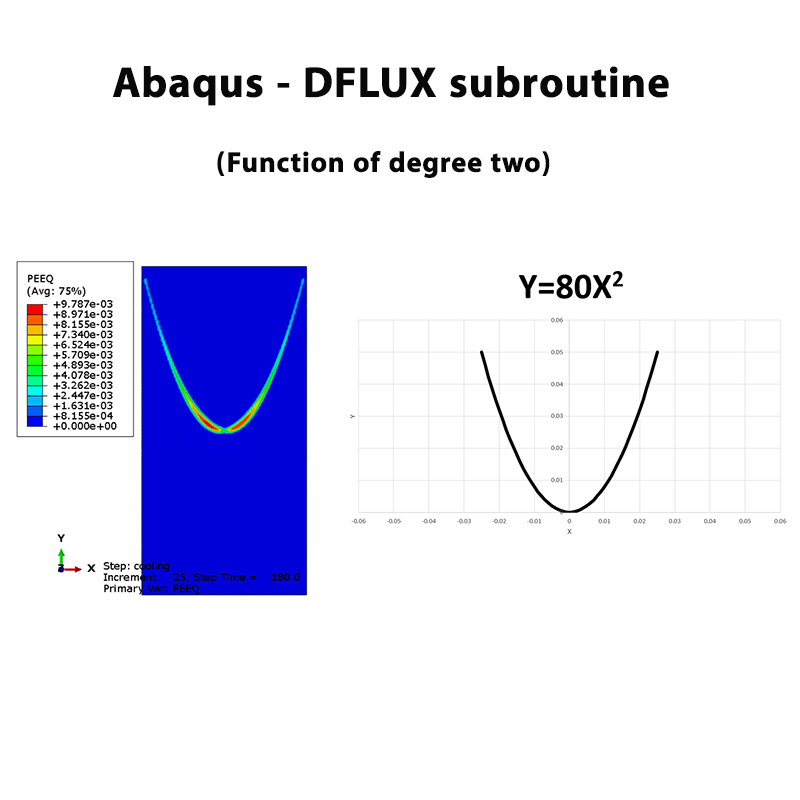
In this example, the motion of a laser beam along a quadratic curve is simulated using the DFLUX subroutine in the Abaqus software.
The path of the laser beam is defined by the quadratic function y = 80x2. The laser beam moves along this curve while applying heat to the surface of the workpiece.
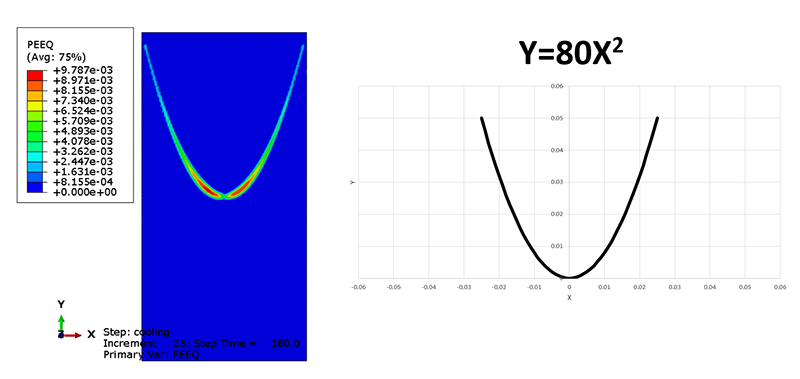
Laser beam path defined by the quadratic function.
Laser Beam Motion
The laser beam moves along the quadratic curve at a constant speed of 10 mm/s. The DFLUX subroutine is used to define the moving heat flux and control the position of the laser beam during the analysis.
The laser beam first moves along the AB path and then continues along the AC path.
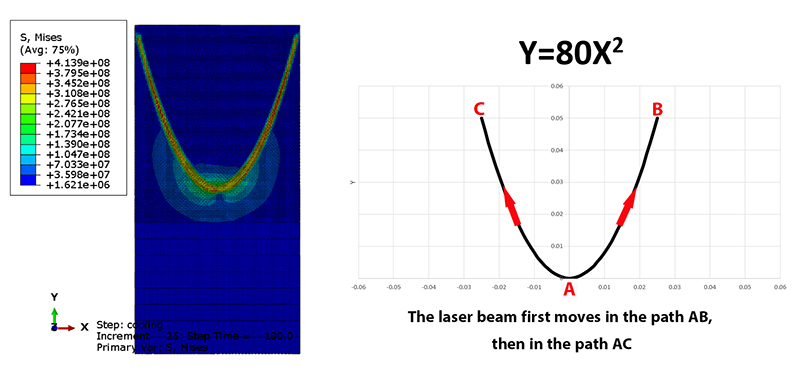
Motion of the laser beam along the AB and AC paths.
Gaussian Heat Flux Model
A Gaussian model is used to define the surface heat flux generated by the laser beam. The laser power is considered to be 100 W.
The DFLUX subroutine controls the position of the heat source as the laser moves along the quadratic path.

Gaussian model used to define the surface heat flux.
Thermal-Mechanical Analysis
The analysis is performed in two steps. In the first step, the laser beam moves along the defined path and the corresponding heat flux is applied using the DFLUX subroutine.
In the second step, the cooling process is simulated after the laser beam has completed its movement. This allows the thermal and mechanical response of the workpiece to be investigated during the heating and cooling stages.
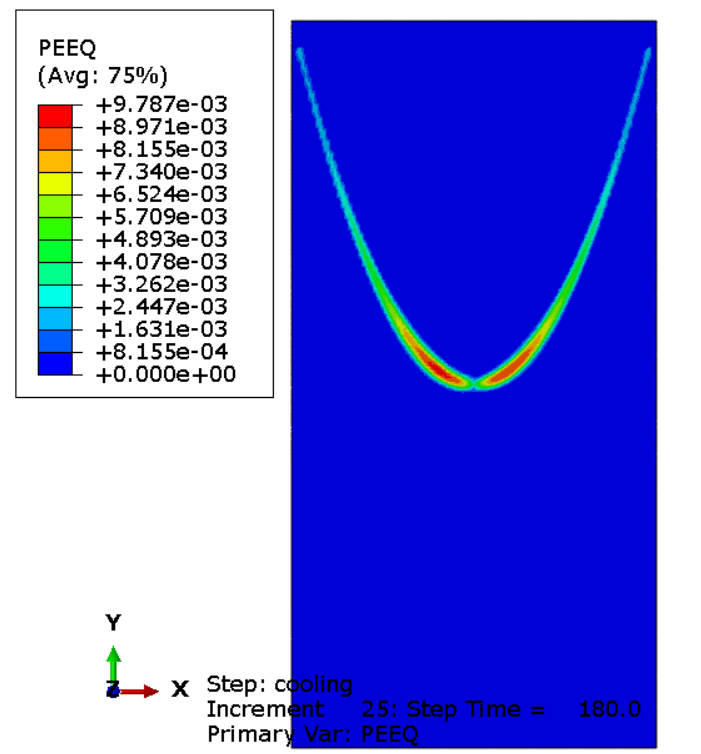
Thermal-mechanical analysis of the workpiece.
What You Will Learn
- How to simulate a moving laser beam in Abaqus.
- How to define a laser beam path using a quadratic function.
- How to define the quadratic path y = 80x2.
- How to use the DFLUX subroutine for a moving heat source.
- How to define the laser beam speed.
- How to define a Gaussian surface heat flux.
- How to define a laser power of 100 W.
- How to simulate laser heating along a curved path.
- How to define the movement of the laser along the AB and AC paths.
- How to implement a Fortran DFLUX subroutine in Abaqus.
- How to simulate the cooling process after laser heating.
- How to perform a thermal-mechanical analysis of the workpiece.
Key Features
- Moving laser beam simulation in Abaqus.
- Quadratic laser beam path: y = 80x2.
- DFLUX Fortran subroutine.
- Laser beam speed of 10 mm/s.
- Gaussian surface heat flux.
- Laser power of 100 W.
- Movement along the AB and AC paths.
- Two-step thermal-mechanical analysis.
- Laser heating followed by a cooling process.
- ST37 material data included.
- Research article included.
Project Information
Important information about this project
Payment & Support
Need help with your purchase?
Secure Payment
Your payment is processed securely through our online payment system.
Need Help?
If you have any questions about this product, please contact us by email.
saeedofmoeini@gmail.com
There are no reviews yet.