

Product Overview
In this example, we intend to simulate a bare frame under cyclic loading in the Abaqus software.
Model Description
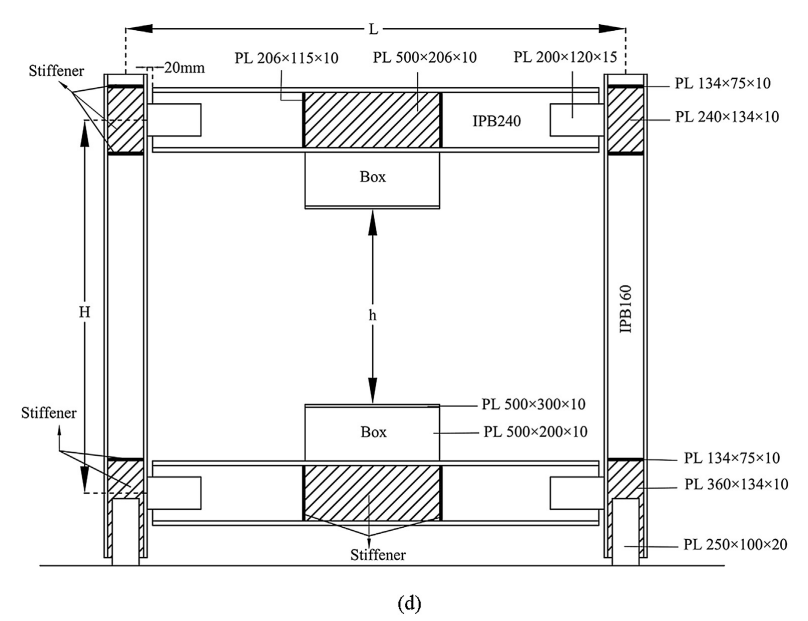
The numerical model represents the bare frame (BF) specimen, which is a single-story, single-bay frame without a shear panel. The BF specimen was tested to determine the contribution of the frame itself to the overall structural response.
The model consists of beams, columns, stiffeners, box sections, and connecting plates. The geometry and structural details of the numerical model are developed based on the experimental specimen described in the reference study.

Cyclic Loading
In this analysis, displacement-controlled cyclic loading is applied horizontally at the top of the frame using the Abaqus software.
The cyclic loading amplitude is defined in Abaqus according to the loading protocol used in the reference study.

Comparison of Abaqus and Experimental Results
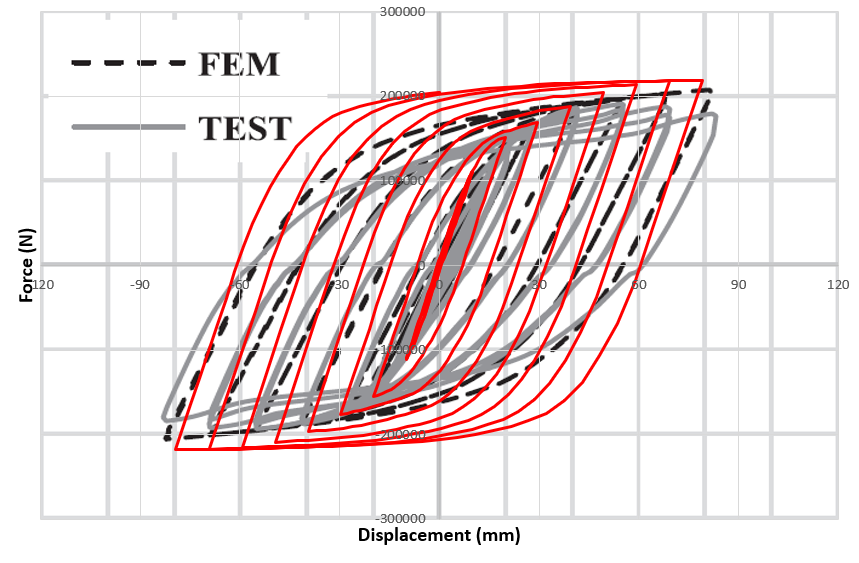
In this picture, the force-displacement hysteresis diagram obtained from the Abaqus software is compared with the experimental results.
This comparison is used to evaluate the accuracy of the numerical model in reproducing the cyclic behavior of the experimental frame.
Deformation of the Bare Frame
As shown in the picture, the deformation of the bare frame undergoing cyclic loading can be observed from the Abaqus results.
In the experimental test, yielding initially occurred at the beam-to-column connection plates at a drift ratio of 3%. With increasing displacement, yielding and damage developed at the column base connections, followed by fracture of the connecting plates at higher drift levels.

Validation
This project has been validated, which means that the results obtained from the Abaqus software are similar to the results reported in the article.
In other words, this project is based on the reference article and the numerical model has been developed to reproduce the cyclic behavior reported in the study.
Key Features
- Bare frame modeling in Abaqus.
- Beam, column, stiffener, box, and connecting plate modeling.
- Cyclic loading analysis.
- Cyclic loading amplitude definition.
- Hysteresis diagram obtained from Abaqus.
- Comparison between Abaqus and experimental hysteresis results.
- Investigation of bare frame deformation.
- Validation against the reference article.
- Complete Abaqus CAE file.
- Abaqus INP file.
- Excel amplitude loading file.
- Excel results file.
- Reference research paper.
- Step-by-step video tutorial.
What You Will Learn
- How to model a bare frame in Abaqus.
- How to define the beam and column.
- How to define the stiffener.
- How to define the box and connecting plate.
- How to define the material properties of the steel components.
- How to assemble the complete frame.
- How to define the required boundary conditions.
- How to apply cyclic loading to the top of the model.
- How to define the cyclic loading amplitude.
- How to obtain the hysteresis diagram from the Abaqus results.
- How to compare the Abaqus hysteresis diagram with experimental results.
- How to investigate the deformation of the bare frame under cyclic loading.
- How to validate the numerical model using the reference article.
Reference
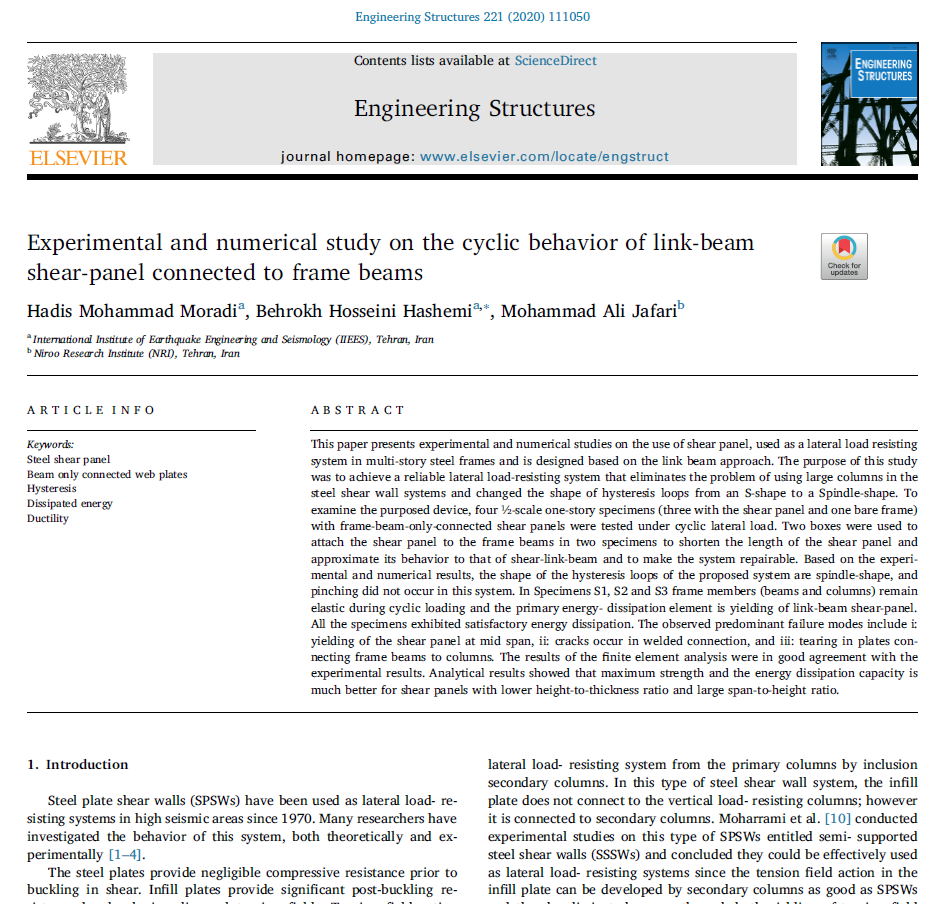
This project is based on the reference research article. The paper is included with the project files and can be used to review the experimental model, loading protocol, and reported results.
Project Information
Important information about this project
Payment & Support
Need help with your purchase?
Secure Payment
Your payment is processed securely through our online payment system.
Need Help?
If you have any questions about this product, please contact us by email.
saeedofmoeini@gmail.com
There are no reviews yet.